Wait! Your order is complete, but read this first. This one-time offer is only shown on this page.
One-time offer · for Kit buyers only

Skip the Building. Get 6 Tested n8n Workflows Ready to Install for Clients.

The Kit teaches you the AI front desk business. This pack gives you 6 ready-made automations you can import into n8n, set up step by step, and offer to the same local businesses.

6tested workflows
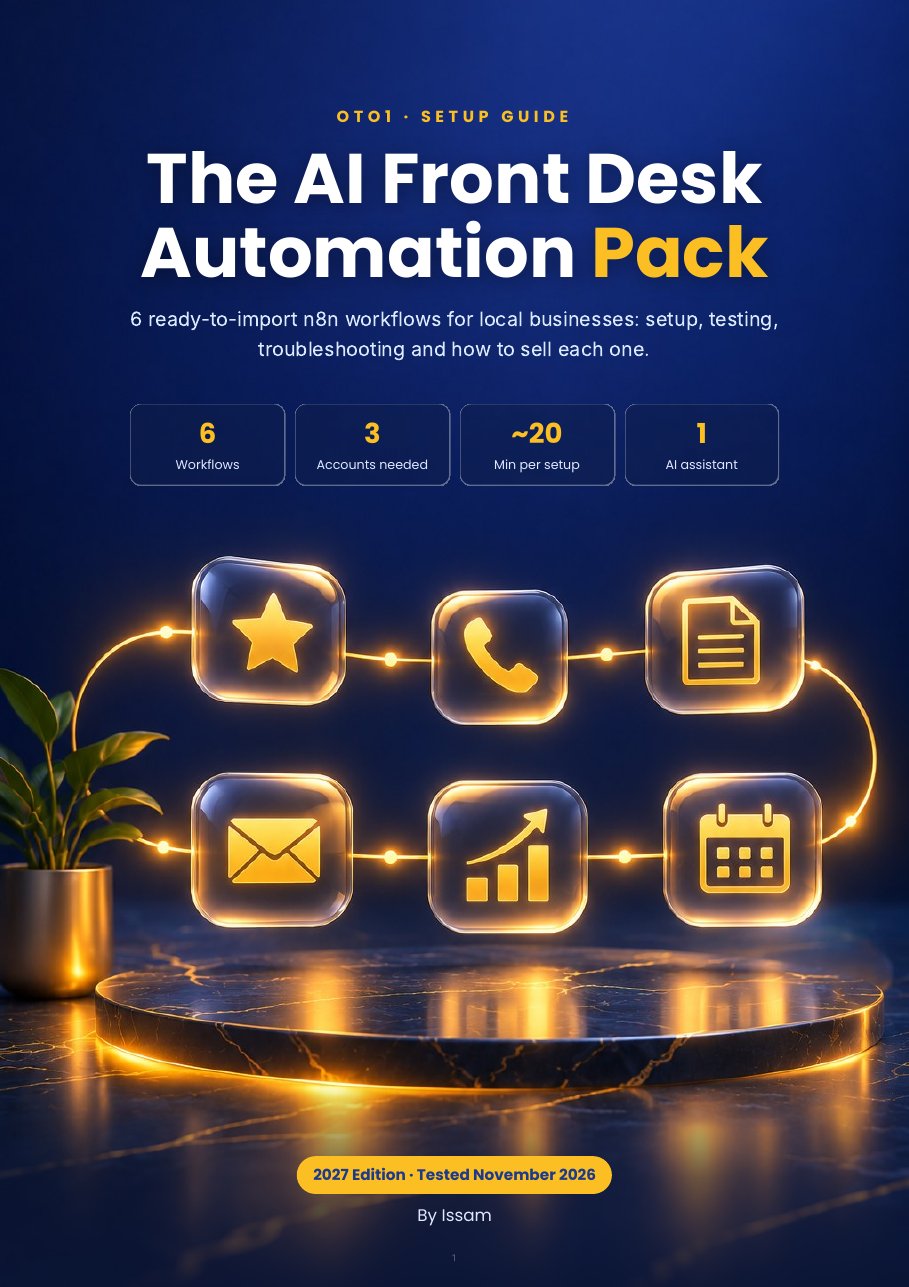
16page setup guide
24/7AI setup assistant
Add the Pack for $27 No thanks, I'll build the workflows myself
The AI Front Desk Automation Pack setup guide cover

The 6 workflows

Each one was built and tested end to end in a live n8n before being exported. Not plug-and-play: you connect your own accounts (Gmail, OpenAI, Twilio for 02), create the data tables and fill in the Config node. The guide walks you through each step.

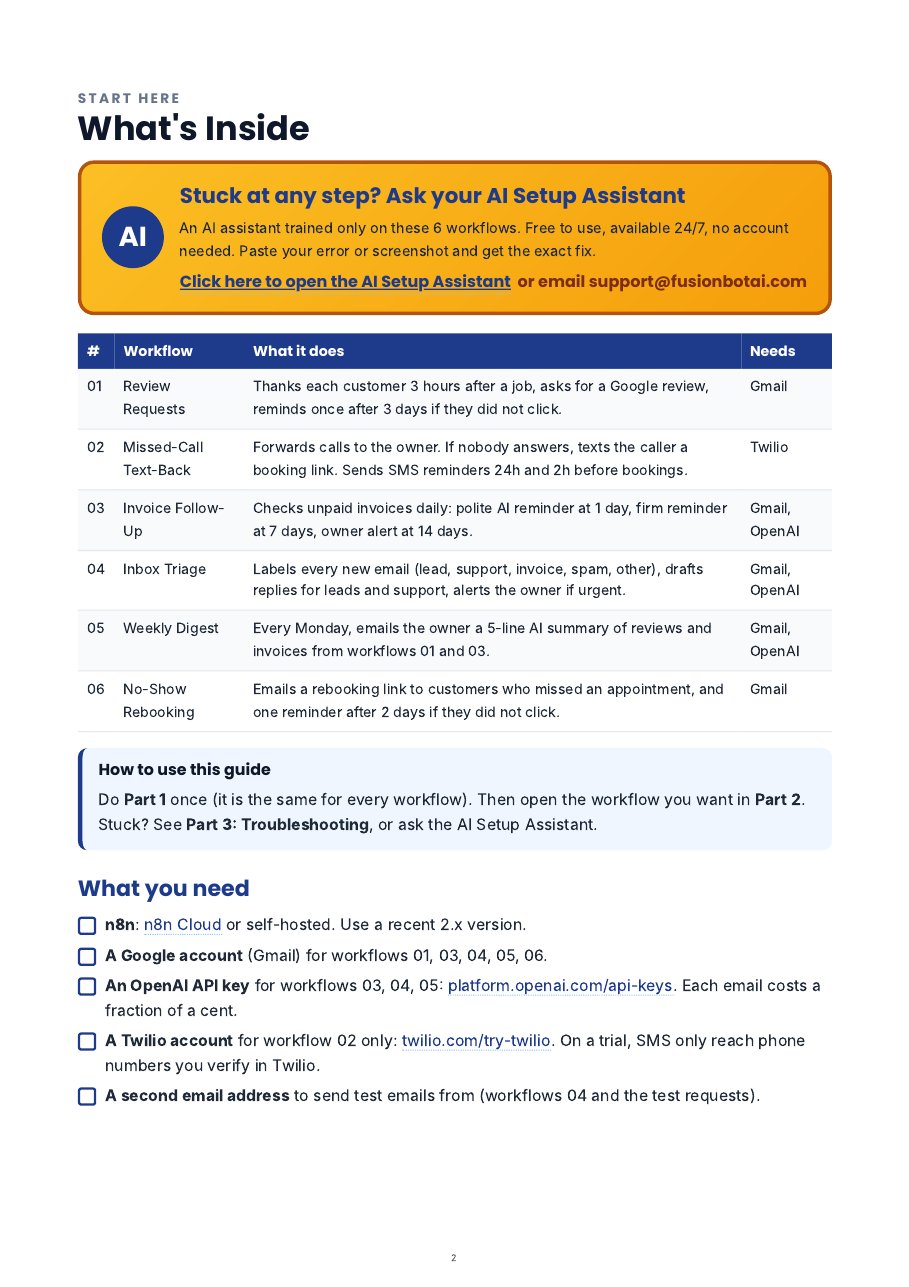
#WorkflowWhat it doesNeeds
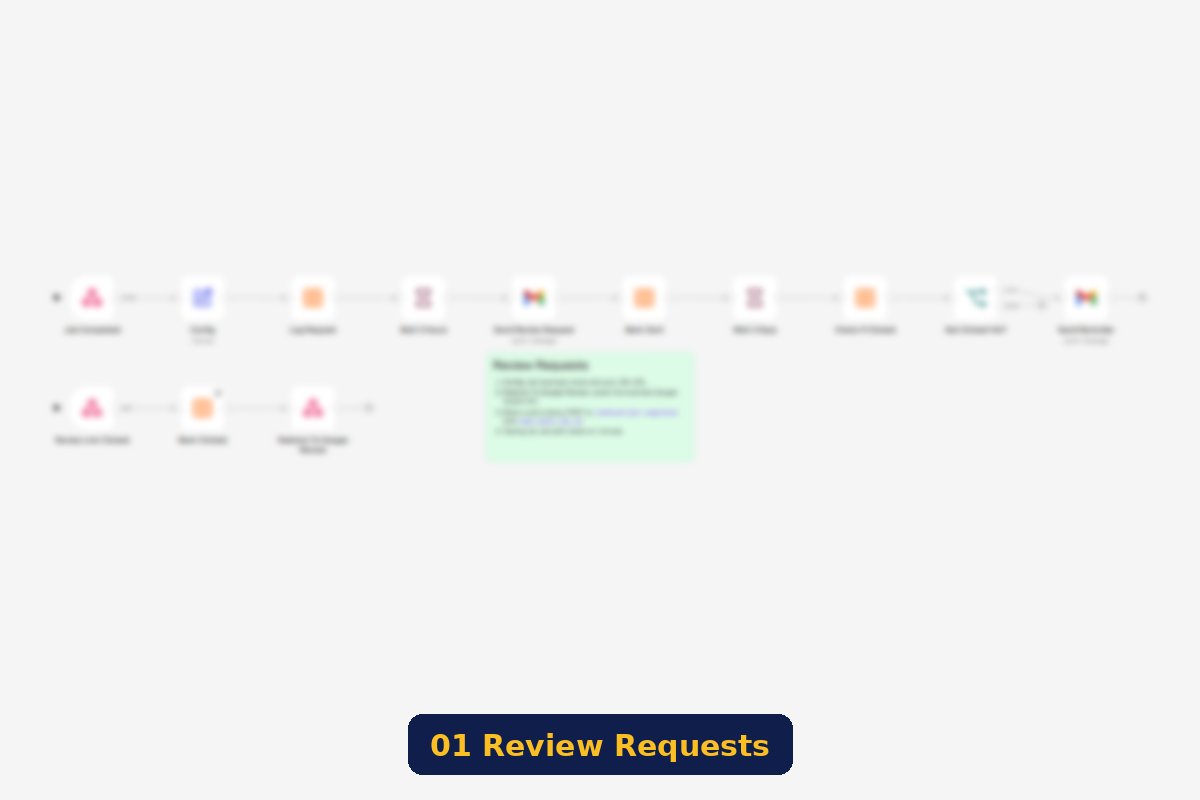
01Review RequestsThanks each customer 3 hours after a job, asks for a Google review, and reminds once after 3 days if they did not click.Gmail
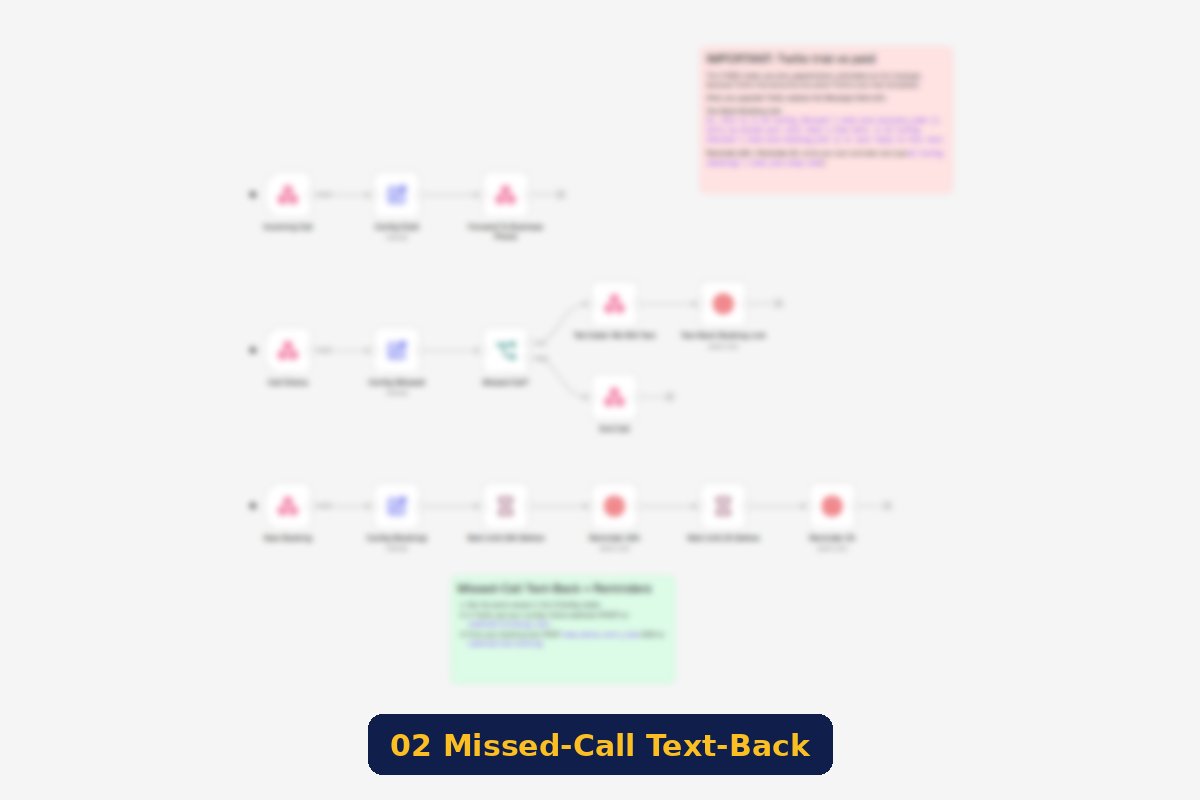
02Missed-Call Text-BackForwards calls to the owner. If nobody answers, texts the caller a booking link. Sends SMS reminders 24h and 2h before bookings.Twilio
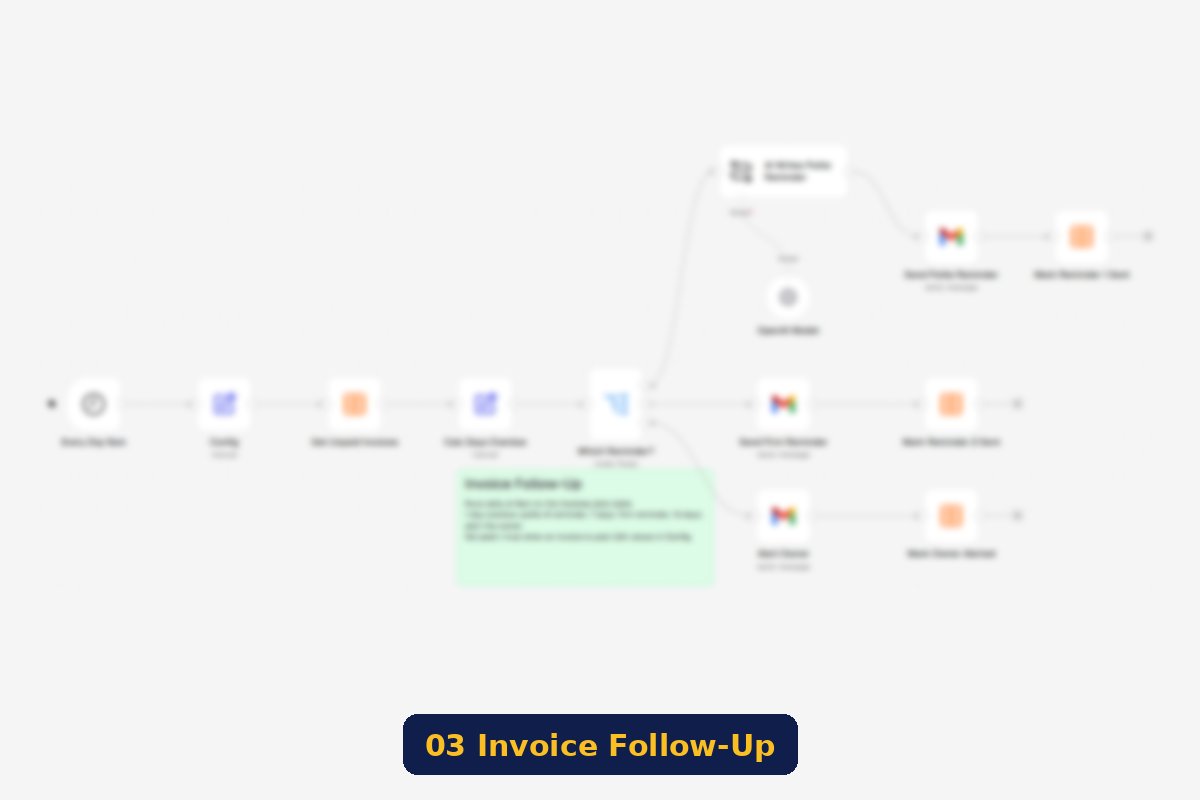
03Invoice Follow-UpChecks unpaid invoices daily: polite AI reminder at 1 day overdue, firm notice at 7 days, owner alert at 14 days.Gmail, OpenAI
04Inbox TriageLabels new emails by AI (lead, support, invoice, spam, other), drafts replies for leads and support, alerts the owner if urgent.Gmail, OpenAI
05Weekly DigestEvery Monday, emails the owner a 5-line summary of reviews and invoices, plus one suggestion.Gmail, OpenAI
06No-Show RebookingEmails a rebooking link after a missed appointment and reminds once, only if the customer did not click.Gmail
Blurred preview of workflow 01
Blurred preview of workflow 02
Blurred preview of workflow 03

Blurred previews: what you import is a complete n8n workflow with a setup note on the canvas.

Tested and working

Real results from our test runs (personal data blurred).

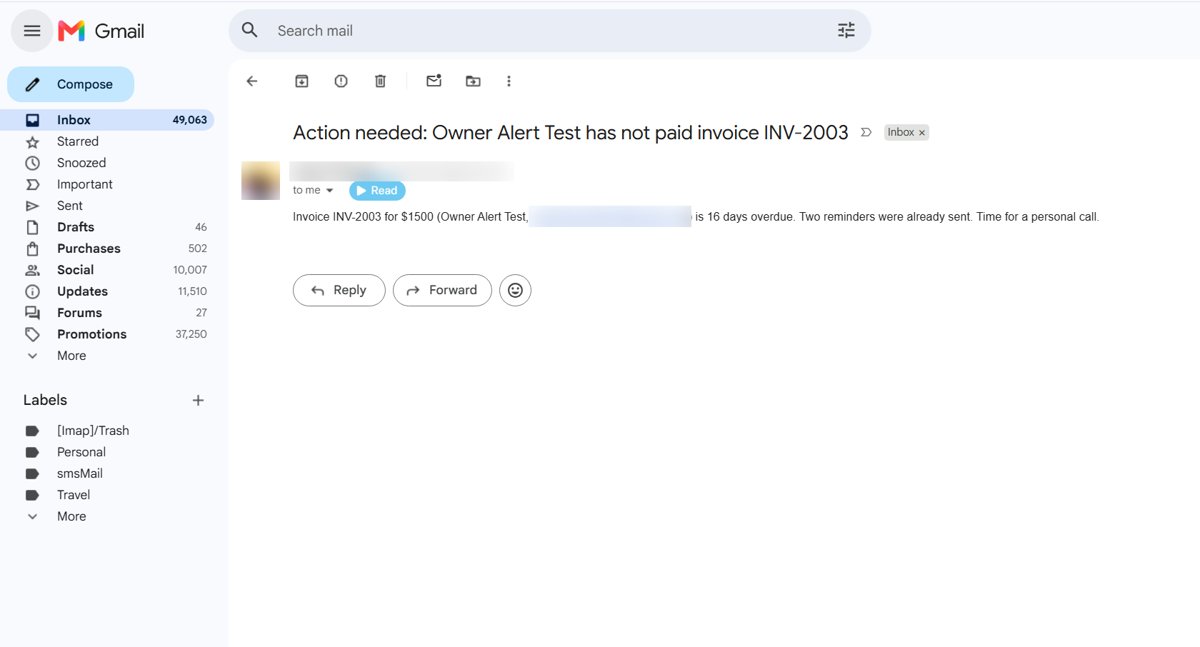
Invoice owner alert email

03 Invoice Follow-Up: owner alert after 14 days

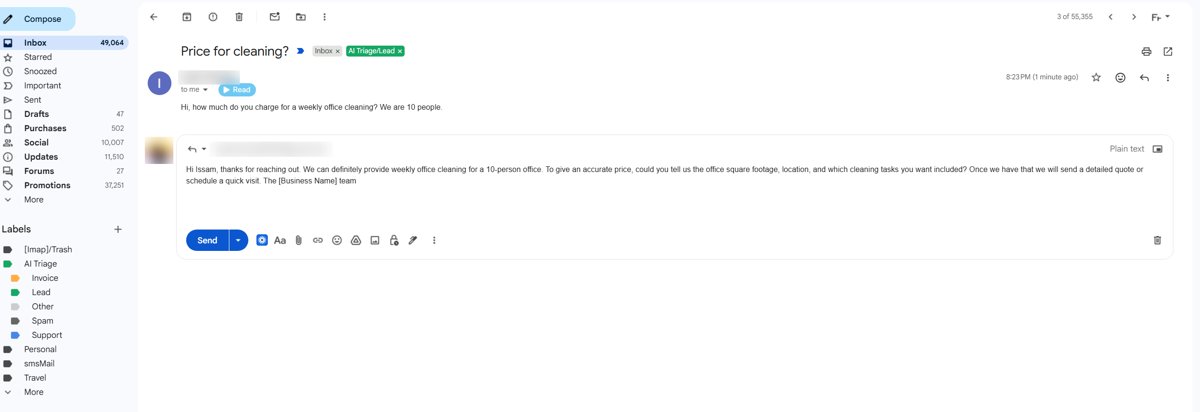
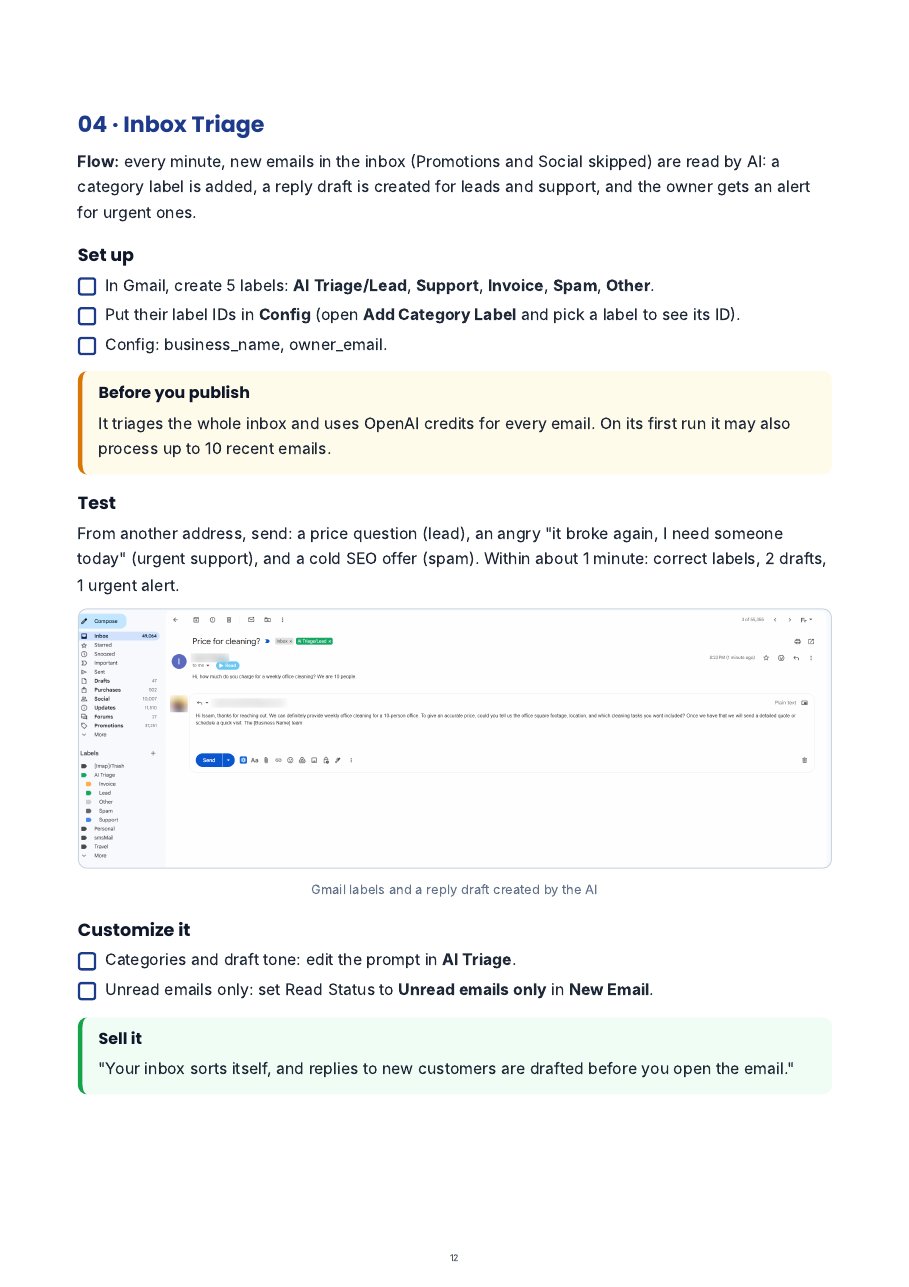
Inbox triage lead label and AI draft

04 Inbox Triage: labeled as Lead, AI reply drafted

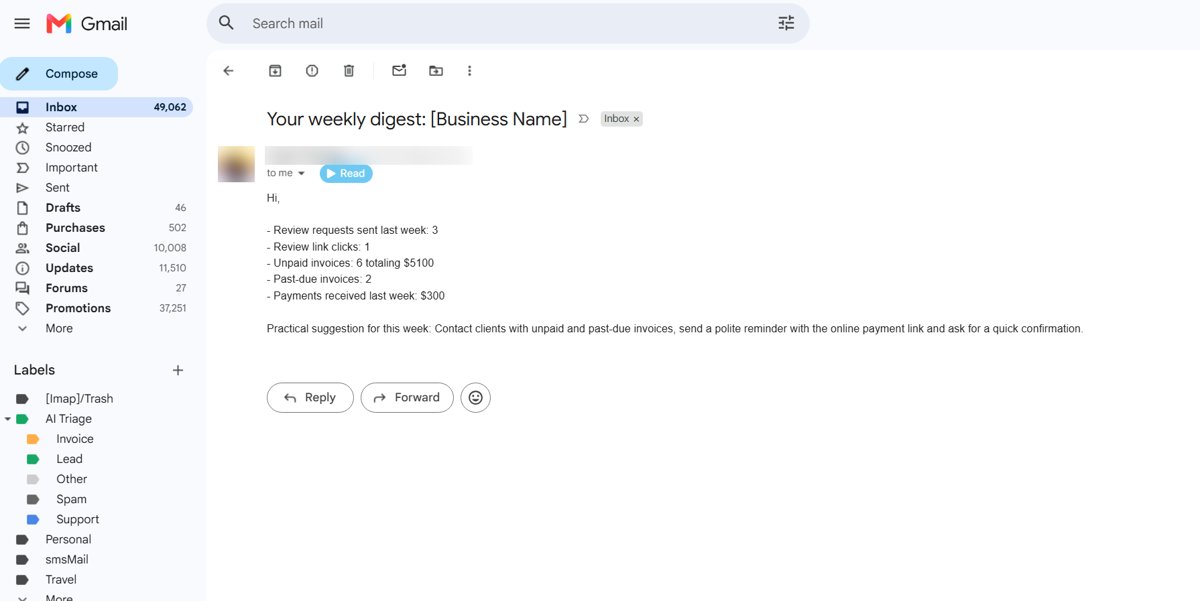
Weekly digest email

05 Weekly Digest: Monday summary for the owner

You won't be stuck alone

GUIDE

16-page setup guide

Common setup once (Gmail, OpenAI, data tables), then one page per workflow: set it up, test it, sell it. With screenshots.
AI HELP

AI Setup Assistant

A chat assistant trained only on these 6 workflows. Paste your error or a screenshot and get the fix, any time.
SUPPORT

Email support

Still stuck? Email support@fusionbotai.com with the workflow name and a screenshot.
Setup guide contents

What's inside the guide

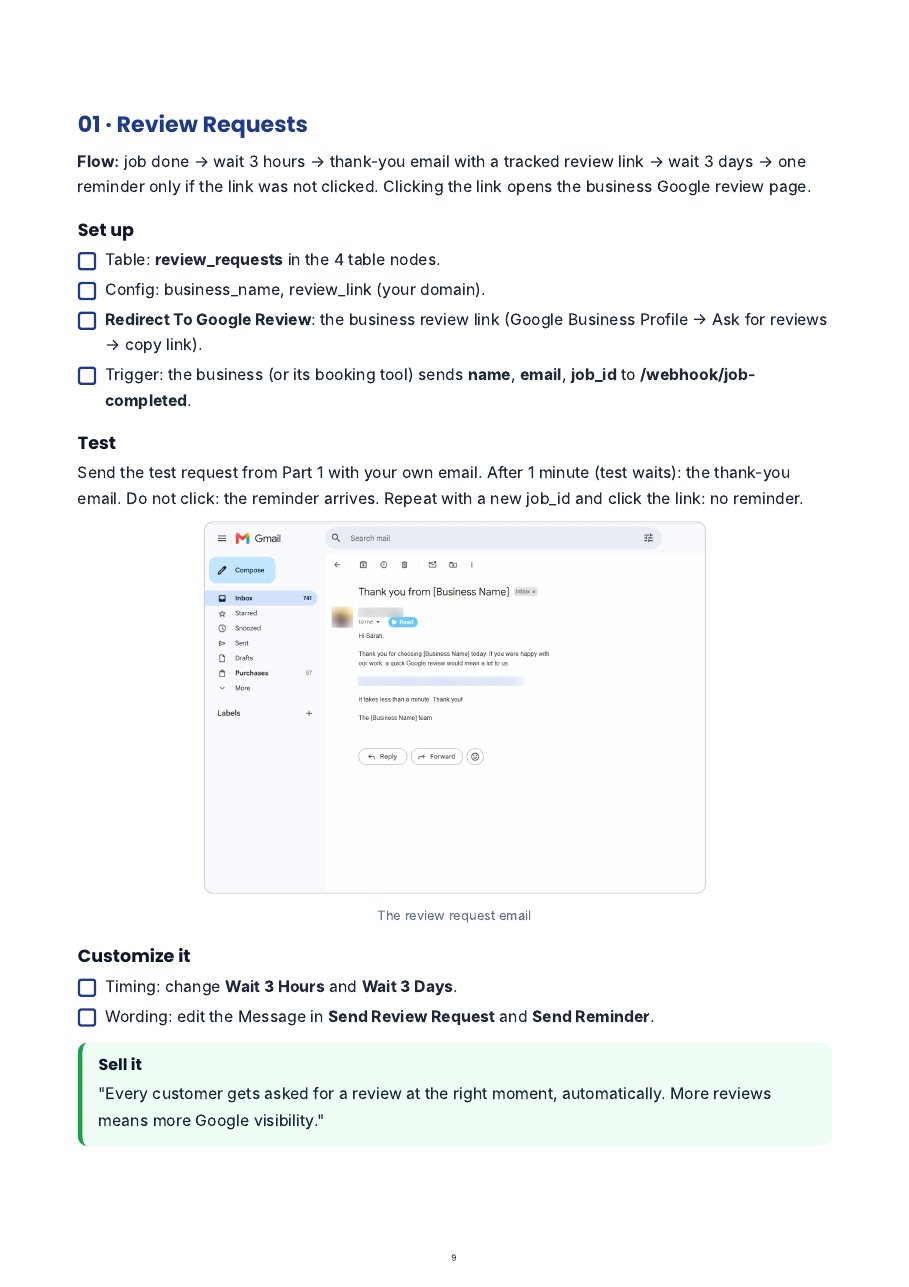
Review Requests setup page

01 Review Requests: setup page

Inbox Triage setup page

04 Inbox Triage: setup page

What you need

Required

  • n8n: n8n Cloud or self-hosted (recent 2.x)
  • A Google account (Gmail) for workflows 01, 03, 04, 05, 06
  • An OpenAI API key for 03, 04, 05 (each email costs a fraction of a cent)

Good to know

  • Workflow 02 needs a Twilio account. On a free trial, SMS only reach verified numbers and use preset templates.
  • No coding needed. You copy, paste and click.
  • Tool costs are paid to those tools, not included here.

Add the AI Front Desk Automation Pack

6 workflows + 16-page setup guide + AI Setup Assistant + email support

$27
Yes, Add It to My Order
The AI Front Desk Automation Pack

Secure checkout through JVZoo

30-day money-back guarantee. Import the workflows and follow the guide. If the pack is not for you, ask for a refund through JVZoo within 30 days.
No thanks, take me to my Kit